Full page screenshot
Capture a long web page as one image. The free web tool captures a tall window from the top of the page, up to a height limit. Capturing the entire page, however long, is the API's full_page option, which needs an API key.
- The free web tool cannot capture the whole page. It captures from the top down to the height you choose, up to 2000 px. The full_page option is available through the API with a key (a free account is enough to get one).
Result
Your image will appear here.
The free web tool captures at most 2000px of height. For taller captures, use the API.
Retention: web-tool results are deleted after 10 minutes and no history is kept. API results are kept 1 day on the free plan and 7 days on Starter and Pro (30 days on Business).
Do this from your code
The same request, built from the input and options above. Create an account to get an API key.
curl -X POST https://api.aiipworld.com/v1/render \
  -H "Authorization: Bearer $AIIPWORLD_API_KEY" \
  -H "Content-Type: application/json" \
  -d '{"html":"","output":"pdf","options":{}}'

# returns {"job_id": "...", "status": "queued"}; then poll:
curl https://api.aiipworld.com/v1/jobs/JOB_ID -H "Authorization: Bearer $AIIPWORLD_API_KEY"Batches
The web tool handles 1 web page at a time. The API takes one request per URL, so you can script as many as your plan allows.
More control
Whole-page capture (full_page), clipping to a region, request headers and a custom user agent are API options. See the docs.
Retention
Web-tool results are kept 10 minutes; free API results 1 day; Starter and Pro results 7 days; Business 30 days. The web tool allows 10 conversions per minute and 50 per day per visitor.
How it works
- Paste the address of the page and choose a screen width.
- Choose a capture height. The free tool allows up to the maximum shown in the list.
- Press Take screenshot and download the image.
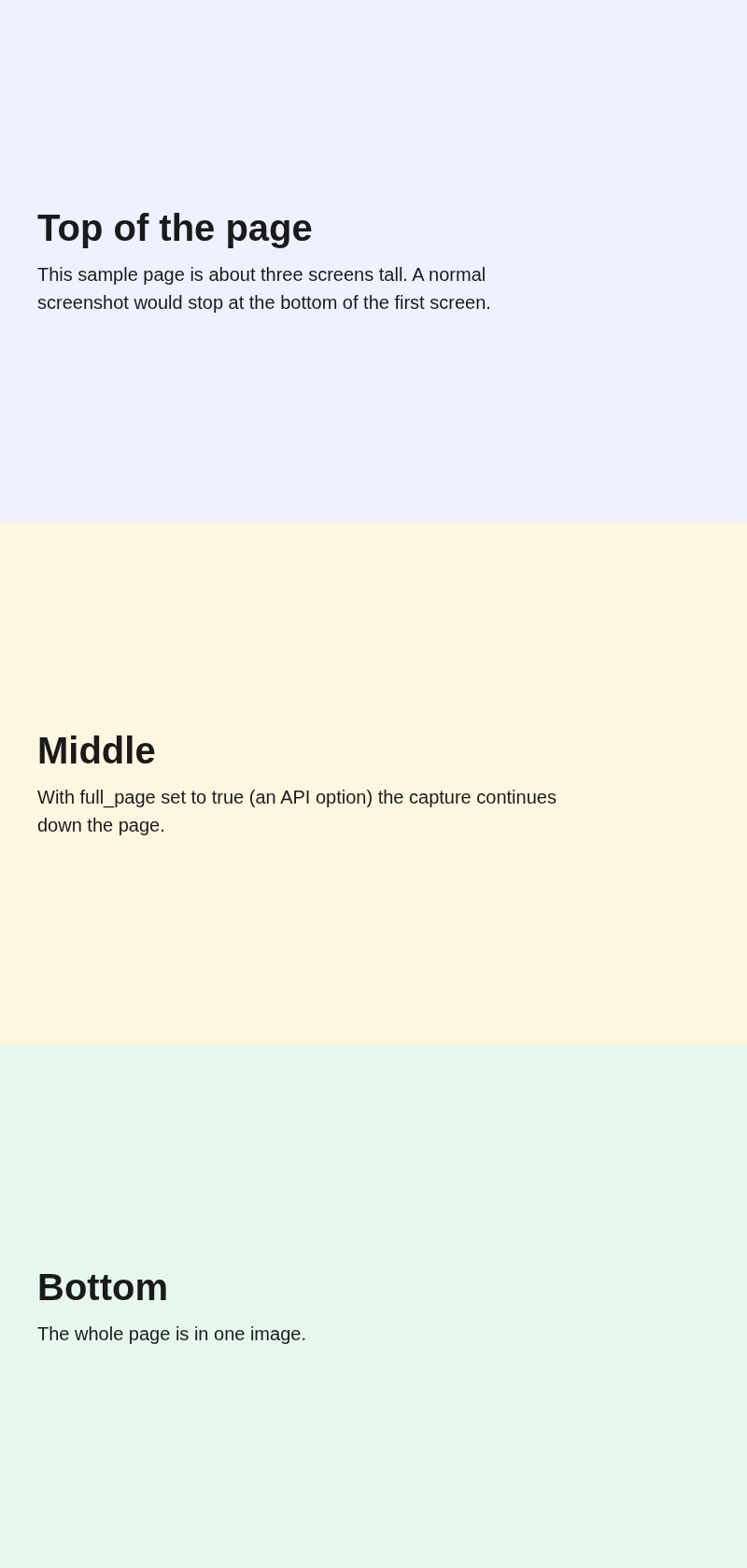
- For the whole page, copy the request from the code section below. It sets full_page to true and runs with an API key.
Example output
Questions
Why does the free tool not capture the whole page?
Capturing an entire page can be very tall and costly to render, so the anonymous web tool is limited to a window of up to 2000 px. The full_page option is only enabled for API keys.
How do I capture the entire page?
Create a free account, make an API key, and send a request with full_page set to true, as in the code section. A full page screenshot costs 2 credits for an image up to 5,000 px tall, plus 1 credit for each further 5,000 px (or part of), up to 16,384 px (5 credits at most). Height is counted in output pixels, so device_scale_factor 2 doubles it. The job is reserved at 2 credits and settled on the real image height. A free account includes 100 credits a month.
Is there a maximum height for full_page?
Yes. Captures are limited to 16,384 px of output height. If the page is taller, the image is cut at that height and the job result says it was truncated.
Why are images missing in the lower part of a long page?
The page is not scrolled before the capture, so content that only loads when you scroll to it can be missing. The API has delay_ms and wait_until options to give a page more time.
Can I capture a page behind a login?
Not in the free tool, which opens pages as a logged-out visitor. The API accepts custom request headers. Only capture pages you are allowed to copy.
How long is the image kept?
Web-tool results are deleted after 10 minutes. API results are kept for the time of your plan, shown under the result and on the pricing page.